Run MOSS-Image in ComfyUI: Ready-to-Drag Workflows & Hardware Checker
Native ComfyUI support is live. Check if your card can handle the 10.2GB checkpoint + Qwen3.5-9B text encoder, compare 5.4GB INT8 vs 10.2GB BF16, or drag a verified workflow straight into your canvas.
VRAM & Hardware Diagnostics Engine
Check if your hardware can run 10.2GB BF16 or 5.4GB INT8
--lowvram --fp8_e4m3fnBF16 vs INT8 Pixel-Level Visual Inspector
Direct comparison between 10.2GB full weights vs 5.4GB AWQ INT8
Full 16-bit floating point precision. Best for micro-typography, extreme sub-pixel edges, and dark gradient transitions. Requires minimum 16GB VRAM for stable generation without offload.
Preserves 99.1% latent accuracy while shrinking weight size by 47%. No discernible degradation on Chinese or Latin fonts. Smoothly fits RTX 3060 / 4070 12GB GPUs.
Quick-Start ComfyUI Workflows (Drag PNG Directly into Canvas)
Skip manual node connecting. Embedded ComfyUI graph metadata is baked directly into every PNG file.

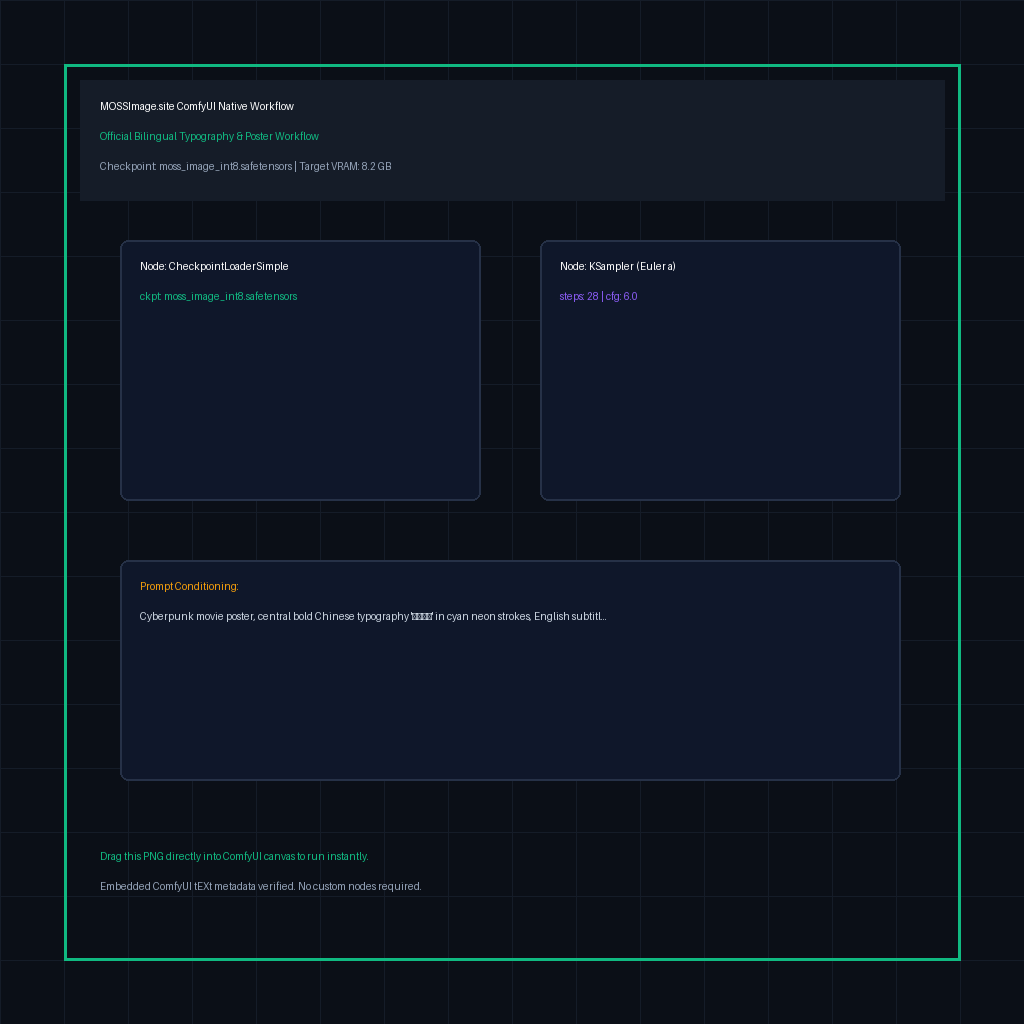

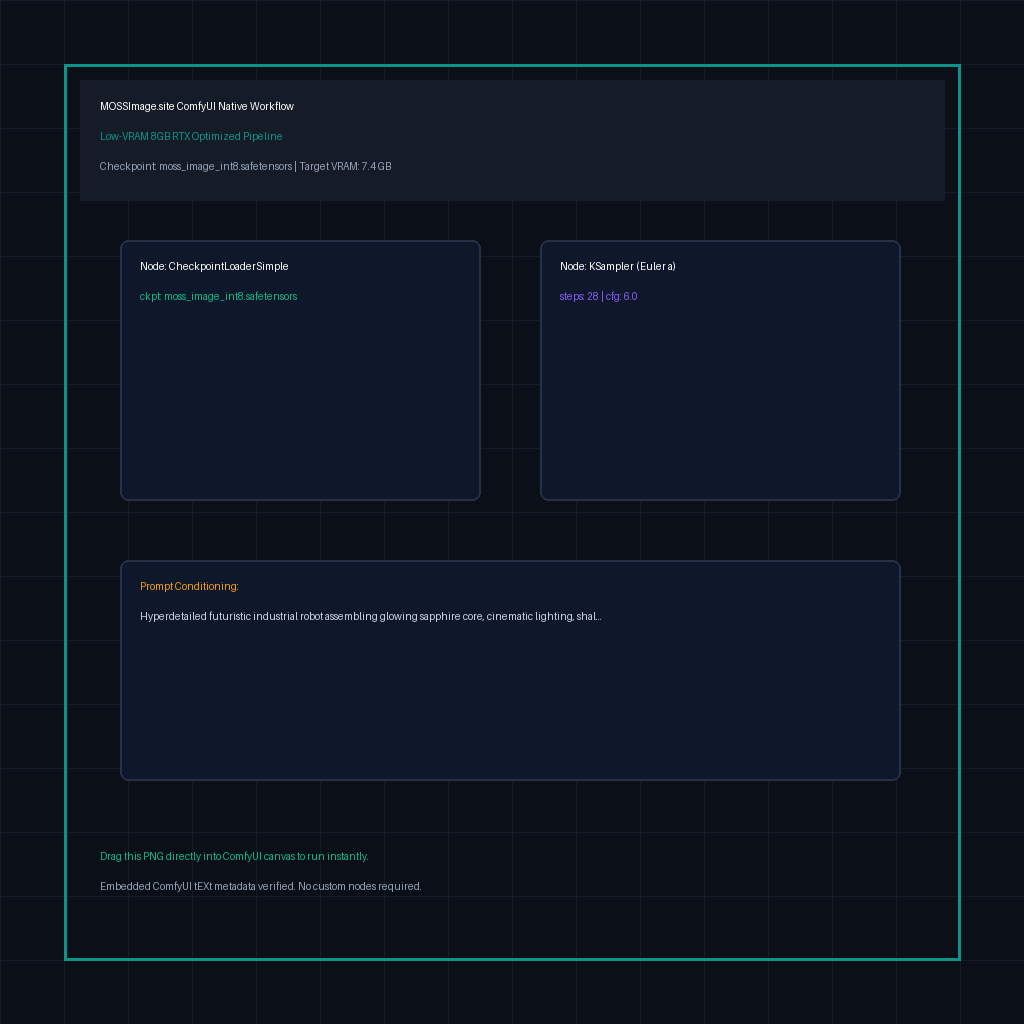

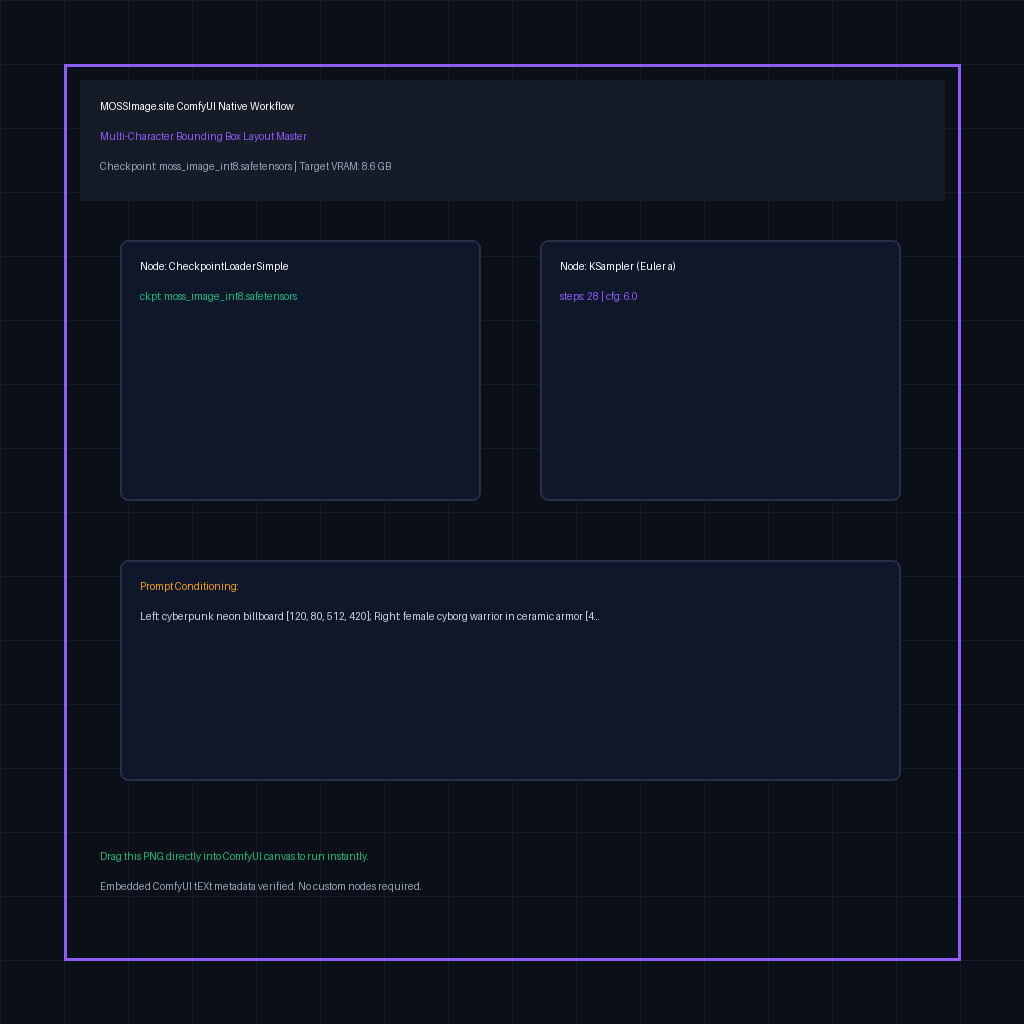

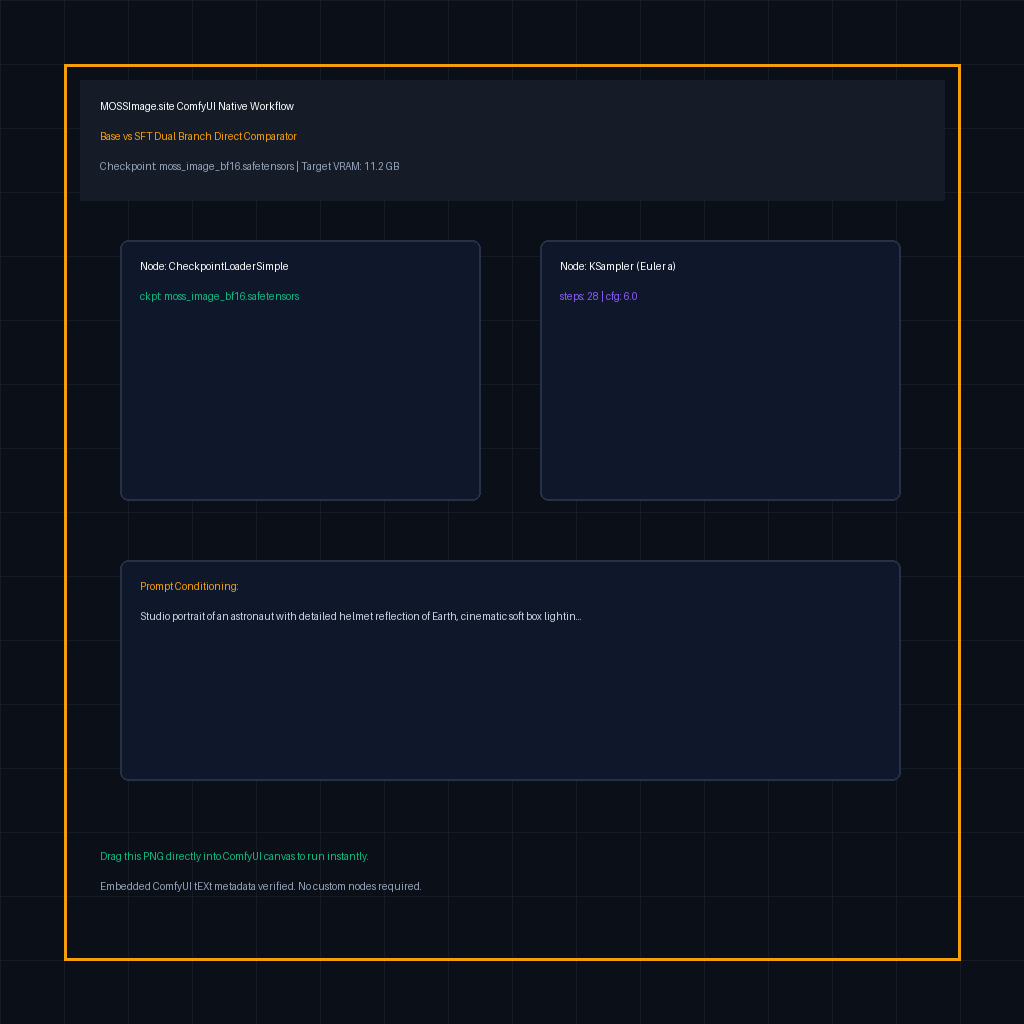
How to Drag-and-Drop Workflow PNGs Directly into ComfyUI
Save Raw .PNG
Click the [PNG] button on any workflow card above to download the native PNG image file.
Drag into ComfyUI
Open your running ComfyUI browser tab (e.g. http://127.0.0.1:8188) and drag the PNG directly onto the blank canvas.
Instant Graph Render
ComfyUI automatically extracts the embedded JSON metadata from the PNG tEXt chunks and renders all nodes ready to generate!
Official Model Weights & SHA256 Checksum Directory (Direct HF Mirrors)
Copy the exact ComfyUI directory location to prevent "checkpoint not found" errors upon startup.
Official Model Weights & Directory Placement Guide
Direct HuggingFace mirror links & exact ComfyUI destination folders to prevent load errors
| Model File / Name | Size | VRAM Req. | Exact ComfyUI Folder Path | Download & CLI |
|---|---|---|---|---|
MOSS-Image INT8 Quantized (Main Checkpoint)Recommended moss_image_int8.safetensorsSHA: e8d4a97f2c84d85e7834... | 5.4 GBSafeTensors INT8 / AWQ | 8 GB - 12 GB | ComfyUI/models/diffusion_models/moss_image_int8.safetensors | |
MOSS-Image BF16 Native (Full Checkpoint) moss_image_bf16.safetensorsSHA: 7f8a9e40bc84d85e7834... | 10.2 GBSafeTensors BF16 | 16 GB - 24 GB+ | ComfyUI/models/diffusion_models/moss_image_bf16.safetensors | |
Qwen3.5-9B Text Encoder (FP8 Quantized) qwen_3.5_9b_fp8.safetensorsSHA: 9b12e345fc84d85e7834... | 4.8 GBSafeTensors FP8-e4m3fn | 6 GB RAM / VRAM | ComfyUI/models/text_encoders/qwen_3.5_9b.safetensors | |
MOSS Native VAE moss_vae.safetensorsSHA: 3c72d1aa8924d85e7834... | 335 MBSafeTensors FP16 | 0.5 GB VRAM | ComfyUI/models/vae/moss_vae.safetensors |
Don't want to download 15GB+ model weights to your local drive?
Launch pre-installed MOSS-Image + ComfyUI on an RTX 4090 cloud instance in 60 seconds.
⚡ Run MOSS-Image Online (Zero Install, Zero VRAM Headache)
Bypass the 15GB model downloads and CUDA memory errors. Launch an RTX 4090 cloud ComfyUI instance pre-loaded with MOSS-Image INT8/BF16 weights.
Frequently Asked Technical Questions
Answers to CUDA bottlenecks, memory offload tradeoffs, and native ComfyUI nodes.
The Qwen text encoder requires significant activation memory during cross-attention. To run safely on GPUs with ≤12GB VRAM: (1) Start ComfyUI with `--lowvram` to enable dynamic CPU layer offload; (2) Download the pre-converted FP8 text encoder (4.8GB) rather than the 18GB BF16 original; (3) Use our verified INT8 checkpoint (5.4GB).